
Find files to review
Vahti generates rule-based findings about personal data, sharing and retention needs.
Meaning
The file’s owner, location and age help you assess the situation.
Next step
Review the file’s purpose and the access it needs.
GDPR file review for Microsoft 365
Vahti brings OneDrive and SharePoint files into a review worklist. See owners, sharing and file age, then record decisions and responsibilities.
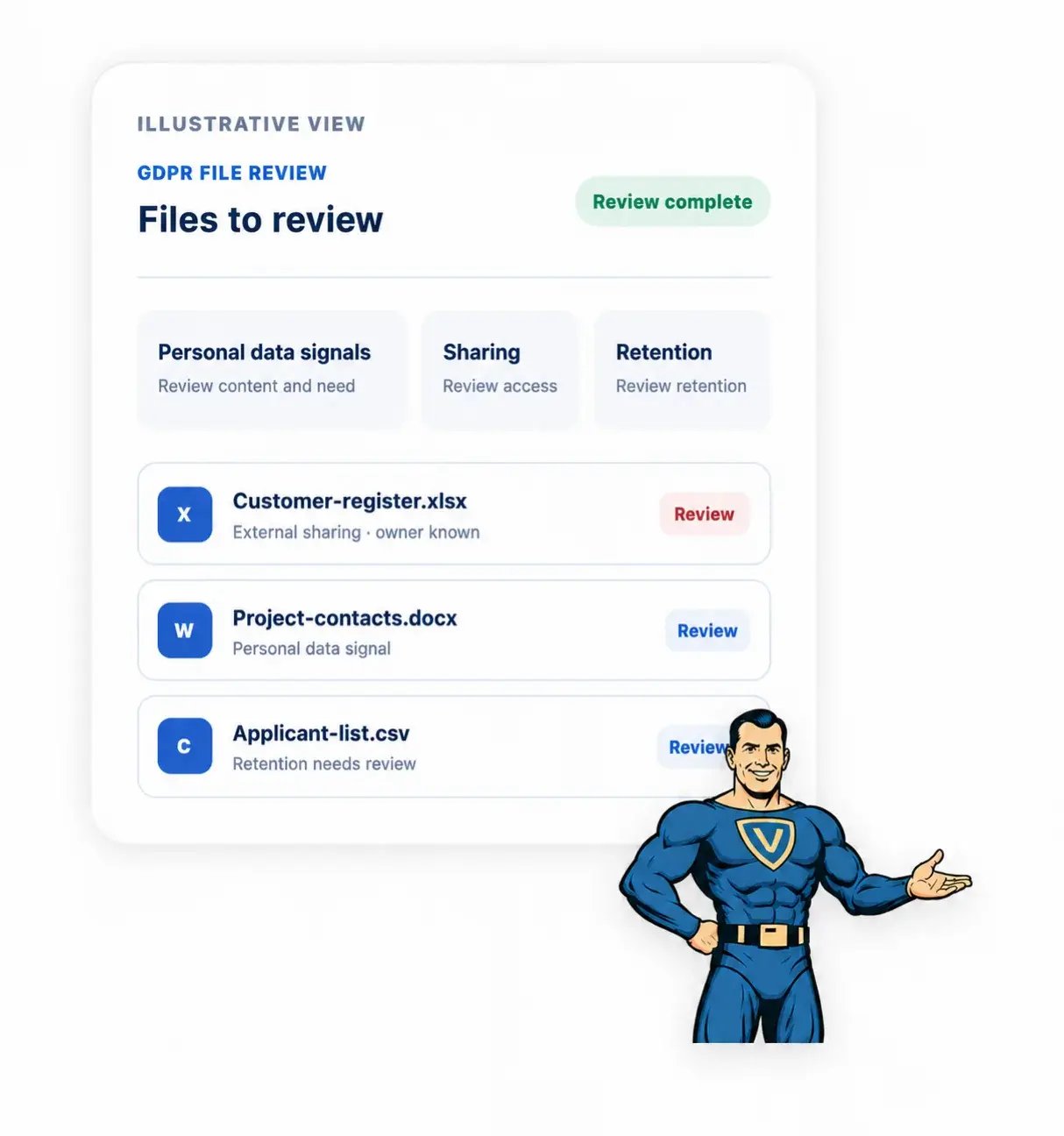
Review supported files and document the decisions your team makes.
Vahti generates rule-based findings about personal data, sharing and retention needs.
Meaning
The file’s owner, location and age help you assess the situation.
Next step
Review the file’s purpose and the access it needs.
A finding may need a decision or follow-up action.
Meaning
A recorded rationale and responsible person make progress easier to follow.
Next step
Record the decision, rationale, responsible person, deadline and notes.
A PDF report brings together coverage, findings and the latest recorded decisions.
Meaning
It supports audit preparation but does not demonstrate compliance.
Next step
Review open tasks and limitations before using the report.
Vahti helps identify files to review and document the work. Your company decides how personal data may be used, who may access it and how long it is needed. You also decide whether to restrict access, anonymize content or delete a file.
Your company’s administrator purchases and activates the paid add-on in Vahti. It uses Microsoft 365 read permissions already granted to Vahti.
Vahti reviews supported OneDrive and SharePoint files. Assess the findings in the context of the file’s purpose and the access required.
Record decisions, reasons, responsible people and deadlines. Track progress and download a PDF report of coverage, findings and the latest decisions.

During the scan, Vahti processes the contents of the files and derives rule-based findings from them.
Vahti does not store the actual content of the files, text passages that match the rules, or values found during the scan that refer to personal data. Only limited data necessary for the scan and monitoring is stored in the service. This includes basic file information, generated findings, data on the scope of the scan, and decisions recorded by your company.
Request a demo to see the review worklist, recorded decisions and reporting. We can discuss the scope and limitations for your Microsoft 365 environment.
The GDPR file review is a separately activated paid add-on that requires Vahti. It supports assessment and audit preparation; it is not a GDPR audit or certification and does not demonstrate compliance.
No. Vahti highlights files that need to be reviewed and helps document decisions. The PDF report summarizes the scope of the review, the findings in Vahti, and the most recent recorded decisions. It supports preparation for an audit, but it is not a GDPR audit or certification and does not demonstrate compliance.
The scan covers supported OneDrive and SharePoint files to which Vahti has the necessary access. Currently supported file formats are TXT, MD, CSV, DOCX, DOTX, XLSX, and PDF. For PDF files, the text layer is scanned; optical character recognition (OCR) for image-based PDF files is not supported. Coverage depends on the Microsoft 365 environment and the permissions granted to Vahti.
No. Vahti processes the content of the supported files during the scan. However, it does not store the actual content of the files, text passages that match the rules, or values found during the scan that refer to personal data. Only limited information necessary for the scan and monitoring is stored in the service.
No. The file review covers only supported OneDrive and SharePoint files to which Vahti has the necessary access. Data stored in other systems, emails, and paper documents, as well as data processed by service providers, must be assessed separately.
No. The GDPR file review is a paid add-on that must be activated separately and requires the Vahti service to use. It uses the Microsoft 365 access rights already granted to Vahti and does not request separate approval from Microsoft.