Unusual sign-in
An account has a sign-in that differs from its usual activity.
Meaning
It may reflect normal work or unauthorized use.
Next step
Check the context with the user before drawing conclusions or taking action.
Microsoft 365 security assessment
Vahti brings together findings from sign-ins, permissions, sharing and email settings. Understand what each finding means and decide what to review next.
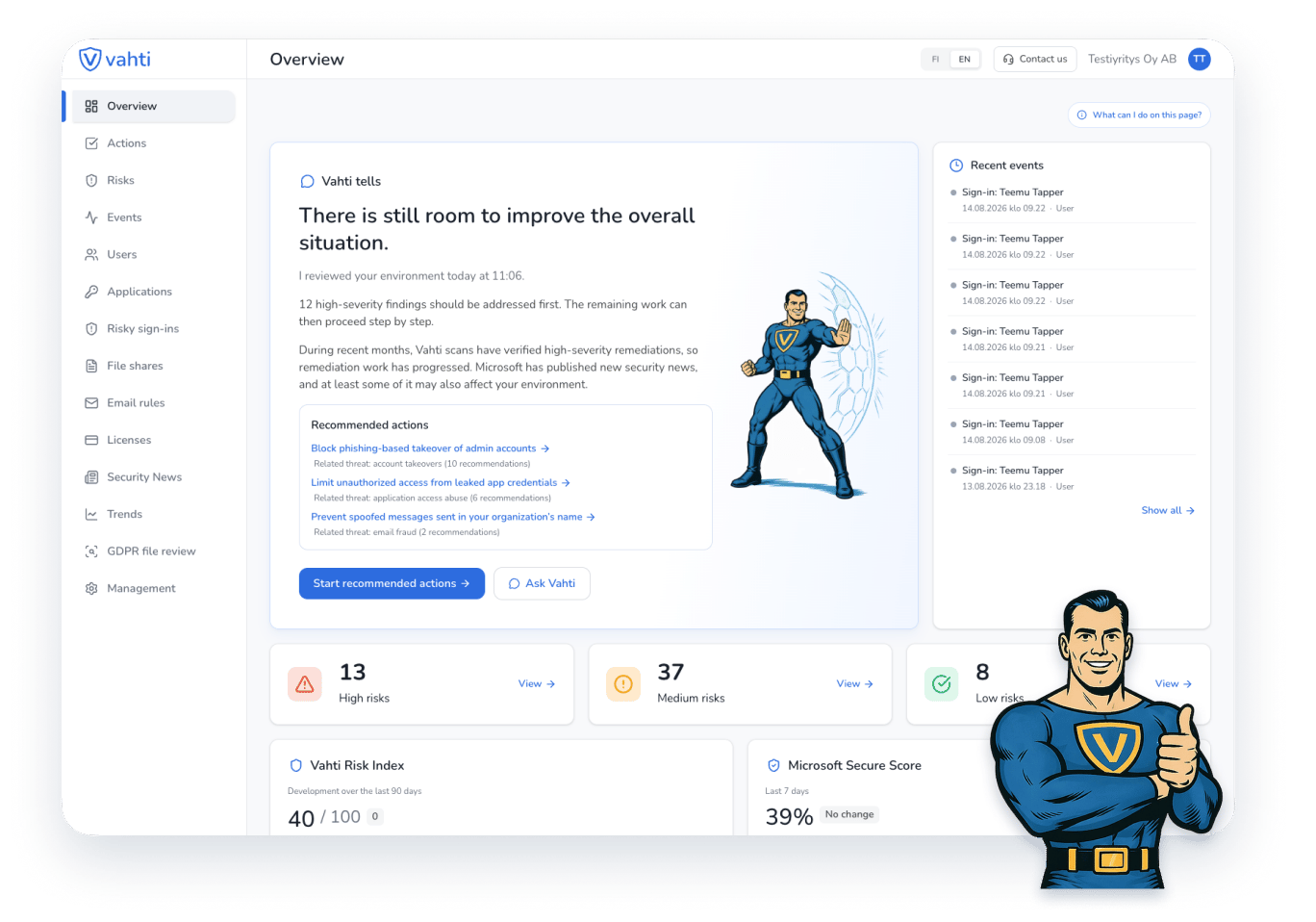
These examples illustrate the assessment process. They do not describe your company’s current situation.
An account has a sign-in that differs from its usual activity.
Meaning
It may reflect normal work or unauthorized use.
Next step
Check the context with the user before drawing conclusions or taking action.
A connected application has broad Microsoft 365 permissions.
Meaning
Its purpose may not require all of the access granted.
Next step
Confirm the owner, purpose and necessary access before making changes.
A file can be opened without the recipient signing in.
Meaning
The link can travel beyond the intended recipient.
Next step
Review who needs access with the file owner before restricting the link.
Microsoft 365 changes as users, applications and sharing change. Vahti helps keep findings visible so your team and IT partner can review them together. A full business security audit may also cover devices, networks and working practices.
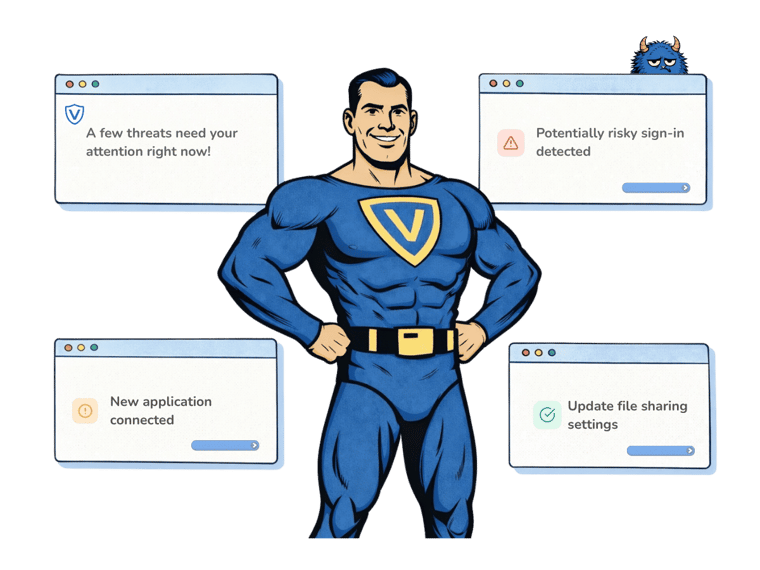
Illustration of findings and next steps in Vahti.
Sign in with your Microsoft account. Review the setup steps before activating the trial.
An administrator approves read-only access. You can request approval from a colleague or IT partner.
Confirm a payment card and the price. As checks finish, review the findings, their meaning and next steps.

Vahti processes Microsoft 365 security settings, permissions and event data. Read-only access does not allow Vahti to change your environment’s settings.
The seven-day trial for a new Vahti subscription lets you review findings from your own environment and assess their meaning.
The trial is for a company starting its first Vahti subscription. You confirm a payment card and the exact price before activation. The subscription continues as a paid subscription after the trial unless you cancel it.
Vahti brings together Microsoft 365 findings and guidance. A full audit may require a broader review of your systems, devices, processes and organizational responsibilities.
No. Vahti uses read-only access. Your team or IT partner assesses the findings and makes any necessary changes.
The trial is for a company starting its first Vahti subscription. You confirm a payment card and the exact price before activation. The subscription continues as a paid subscription after the trial unless you cancel it.
An administrator must approve the Microsoft 365 connection. You can ask a colleague or IT partner to provide the approval. You do not need to share their credentials with Vahti.