
Unusual sign-in
An account has a sign-in that differs from its usual activity.
Meaning
It may reflect normal work or unauthorized use.
Next step
Check the context with the user before drawing conclusions or taking action.
A clear starting point for your team
See where to start with your company’s Microsoft 365 security. Vahti brings together findings and practical guidance for you and your IT partner.
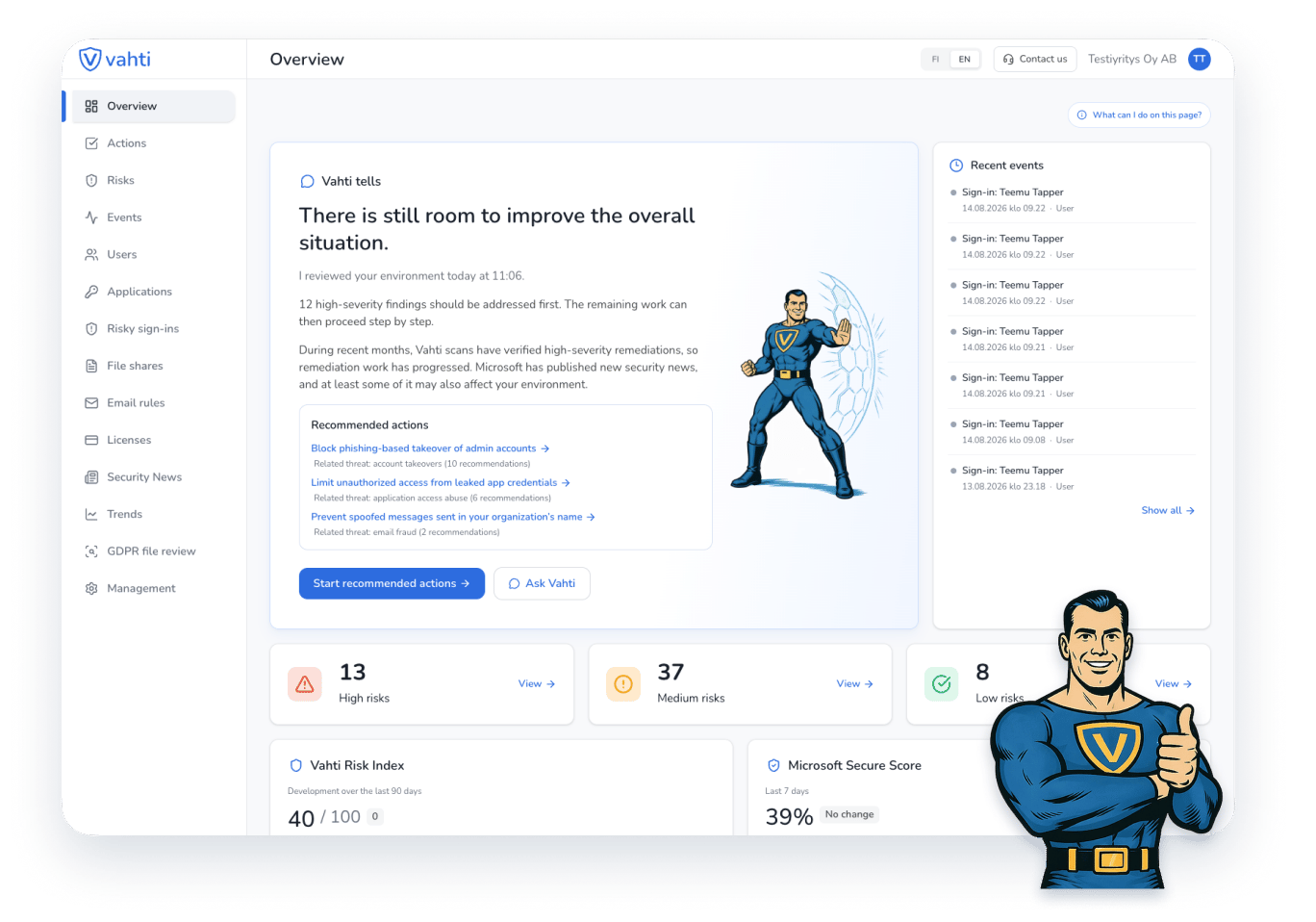
These examples illustrate the assessment process. They do not describe your company’s current situation.
An account has a sign-in that differs from its usual activity.
Meaning
It may reflect normal work or unauthorized use.
Next step
Check the context with the user before drawing conclusions or taking action.
A file can be opened without the recipient signing in.
Meaning
The link can travel beyond the intended recipient.
Next step
Review who needs access with the file owner before restricting the link.
A connected application has broad Microsoft 365 permissions.
Meaning
Its purpose may not require all of the access granted.
Next step
Confirm the owner, purpose and necessary access before making changes.
You do not need to interpret every technical Microsoft view yourself. Vahti explains the finding and the next assessment step. Agree what your team can handle and where your IT partner can help.
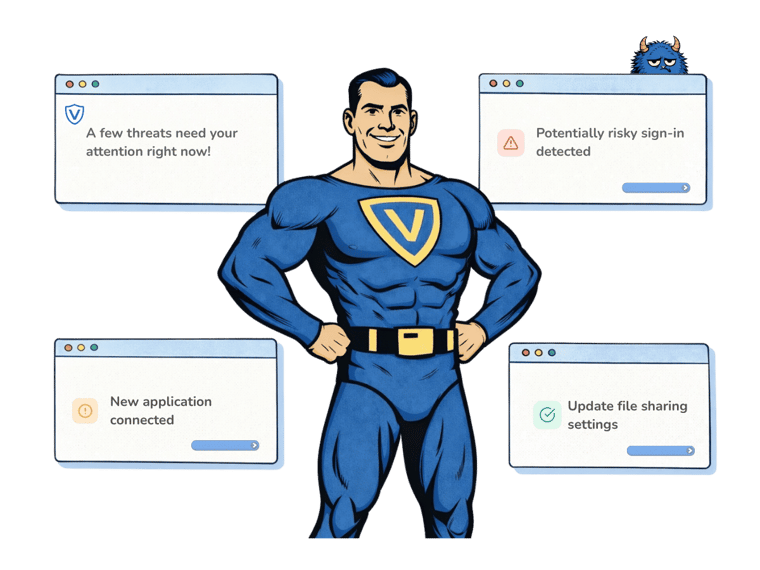
Illustration of findings and next steps in Vahti.
Sign in with your Microsoft account. Review the setup steps before activating the trial.
An administrator approves read-only access. You can request approval from a colleague or IT partner.
Confirm a payment card and the price. As checks finish, review the findings, their meaning and next steps.

Vahti processes Microsoft 365 security settings, permissions and event data. Read-only access does not allow Vahti to change your environment’s settings.
The seven-day trial for a new Vahti subscription lets you review findings from your own environment and assess their meaning.
The trial is for a company starting its first Vahti subscription. You confirm a payment card and the exact price before activation. The subscription continues as a paid subscription after the trial unless you cancel it.
Yes, if your business uses Microsoft 365. Vahti helps identify what needs assessment even when you do not have a dedicated security team.
Findings and guidance help you understand the situation. Implementing changes may require Microsoft 365 administrator permissions and IT expertise. Your IT partner can help.
The trial is for a company starting its first Vahti subscription. You confirm a payment card and the exact price before activation. The subscription continues as a paid subscription after the trial unless you cancel it.
An administrator must approve the Microsoft 365 connection. You can ask a colleague or IT partner to provide the approval. You do not need to share their credentials with Vahti.